- NX-OS supports aliases “cli alias name <name of alias> <command>”
conf t
cli alias name wr copy run star**
=> can use “wr” to save config
NX-OS also supports multiple commands aliases. Use ”;” as separator:
conf t
cli alias name commit end ; copy run start ; copy running-config bootflash:///$(SWITCHNAME).$(TIMESTAMP.cfg- IOS range command
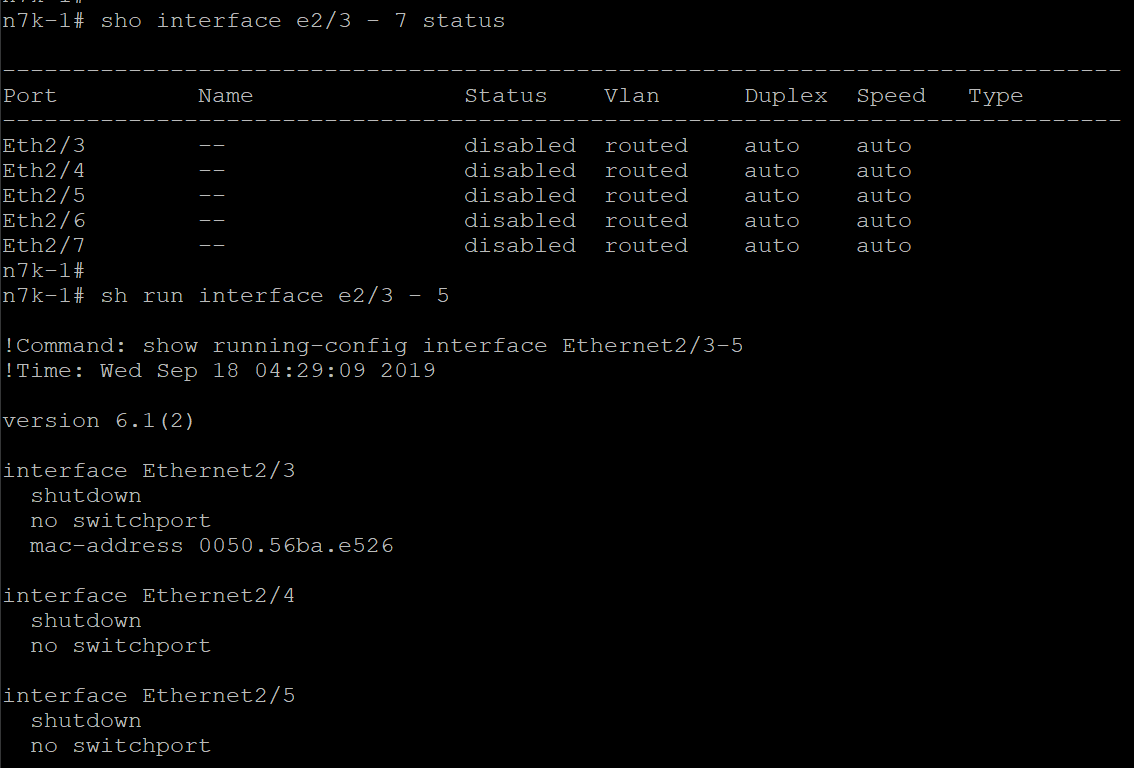
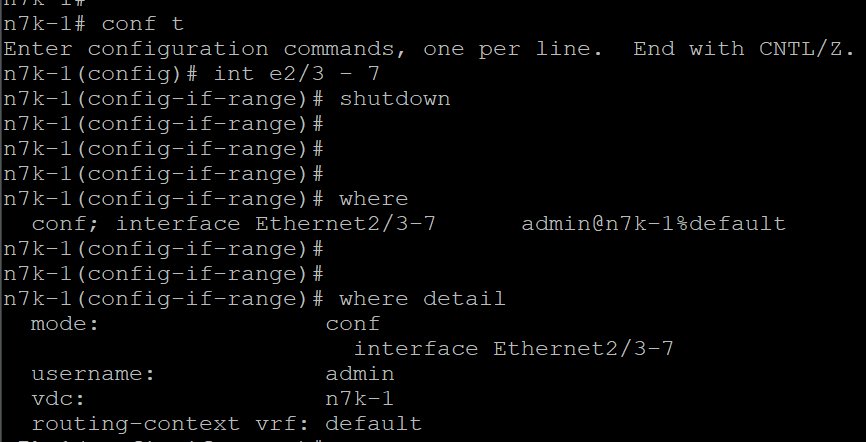
- CTRL+0 => clear the screen
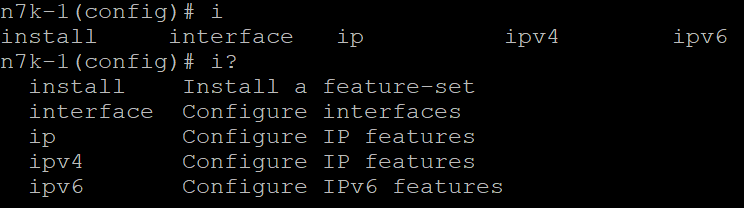
- Tab to complete the command
- Admins of efault VDC can verify or save config in all VDCs:
show run vdc-all
copy run start vdc-all- NX-OS has checkpoints - save well known working config before the maintenance window start. Two types:
- System - created automatically when feature or protocol are disabled (major)
- User - with command “checkpoint
<description >”
To create checkpoint:
copy run start
checkpoint well_known good config
To show available checkpoints:
show checkpoints
show checkpoints summary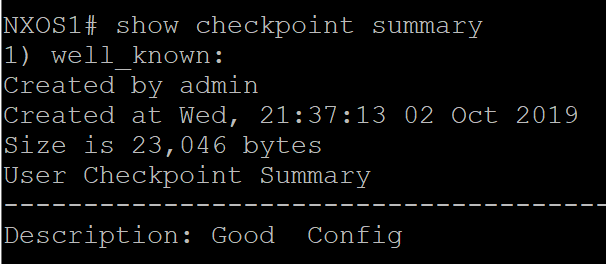
To show difference:
**show diff rollback-patch running-config checkpoint well_known**
To remove:
**clear checkpoint database**
To rollback:
**rollback running-config checkpoint <well_known> type <atomic>**
- atomic - default rollback only if there are no errors
- best-effort - rollback ignoring errors
- stop-at-first-failure - abort if an error occurs (but what was applied up to that point will be maintain)
- Port Profiles - templates
- Catalyst IOS macros apply only once at initial application
- Port profiles immediately re-apply any time after the change
Types:
- ethernet (default)
- port-channel
- interface VLAN
conf t
port-profile type ethernet PROFILE1
    switchport
    swithport access vlan 123
    spanning-tree port type edge
    state enable
!
int ra e101/1/20 - 25
 inherit port-profile PROFILE1
!
show port-profile expand-interface name [profile-name]